How to archive and restore a record in YakTables
Finished or mistaken records clutter the active table. Archiving takes a record out of the table but keeps its history, and you can undo it straight away.
Before you start
- Edit access to the table
Transcript
Take a record out of the active table without losing its history.
Open the record, scroll to the end of its panel, select Archive record, and confirm. The record leaves the table.
Changed your mind? Select Undo archive, and the record is restored.
Steps
Archive the record ▶ 0:05
Open the record, select Archive record at the end of its panel, and confirm.
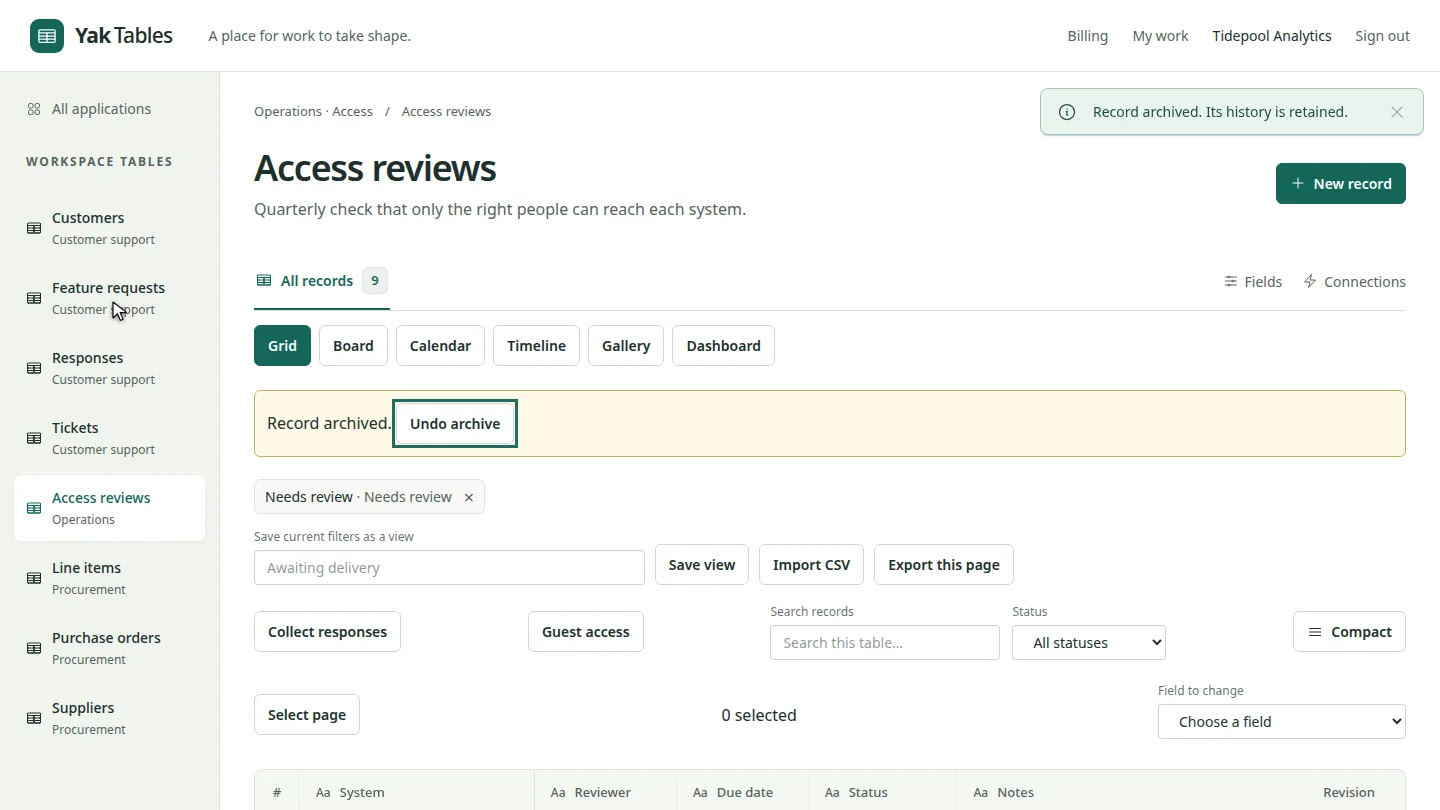
Undo if needed ▶ 0:13
To bring it back, select Undo archive.
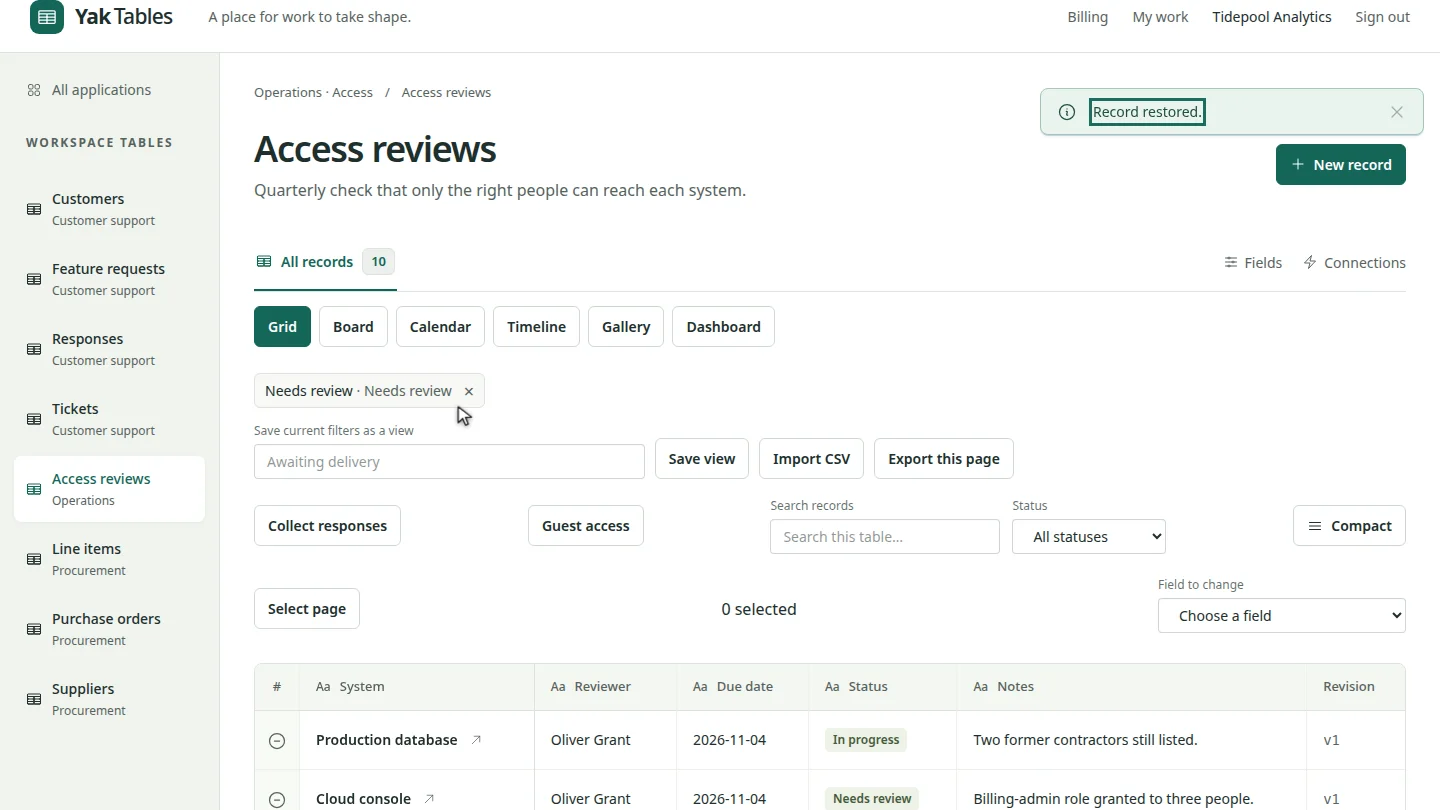
ResultThe record leaves the active table; Undo archive brings it back.
Next steps
Updated 2026-10-26
delete record remove row undo restore