How to create an API key for a table in YakTables
Workflows in YakPipes, or your own scripts, can read and update records through the YakTables API. A table key reaches only that one table, expires after 90 days, and you can revoke it at any time.
Before you start
- Manager access to the application
Transcript
Give a workflow or script access to one table, and nothing else.
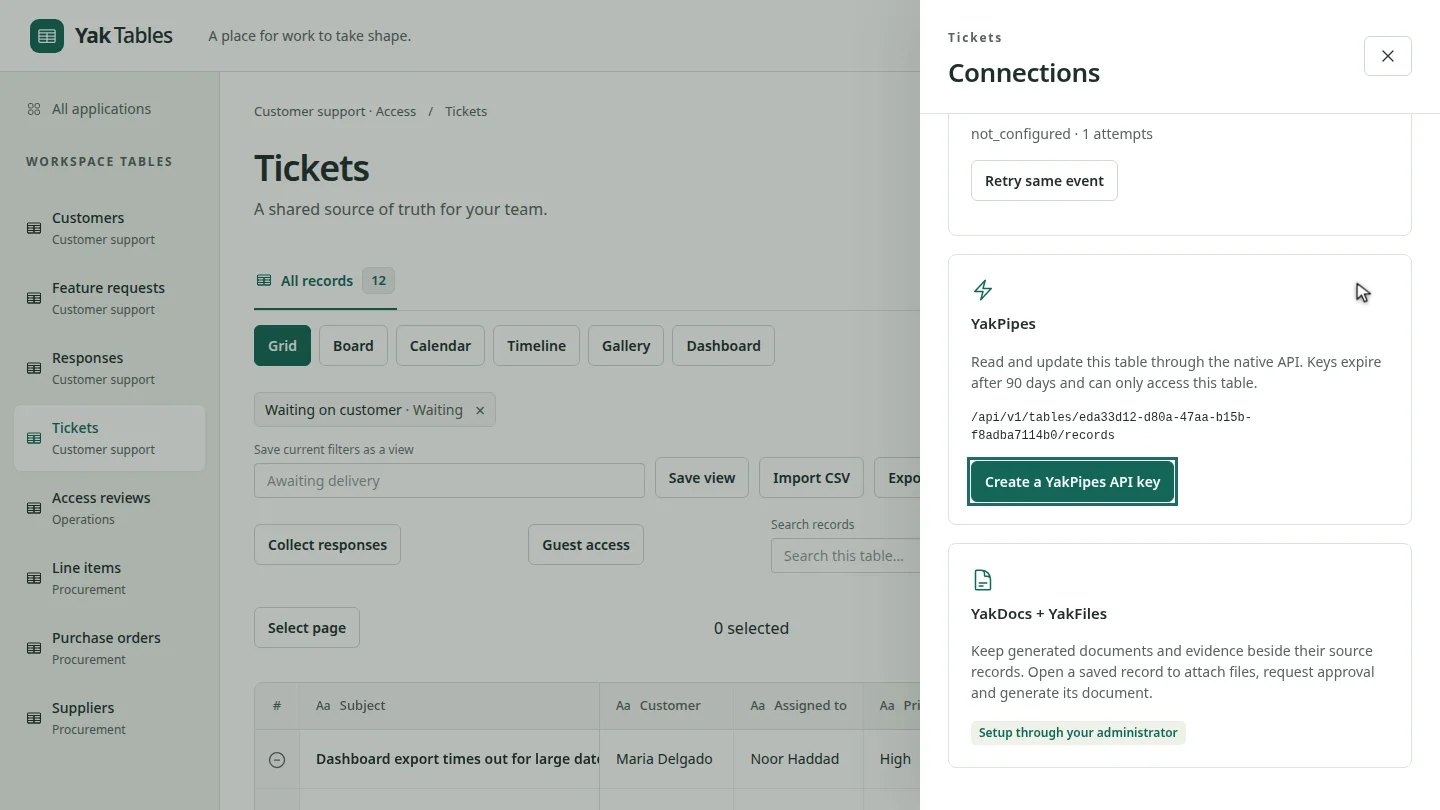
Open the table and select Connections. The YakPipes card shows the API address for this table's records.
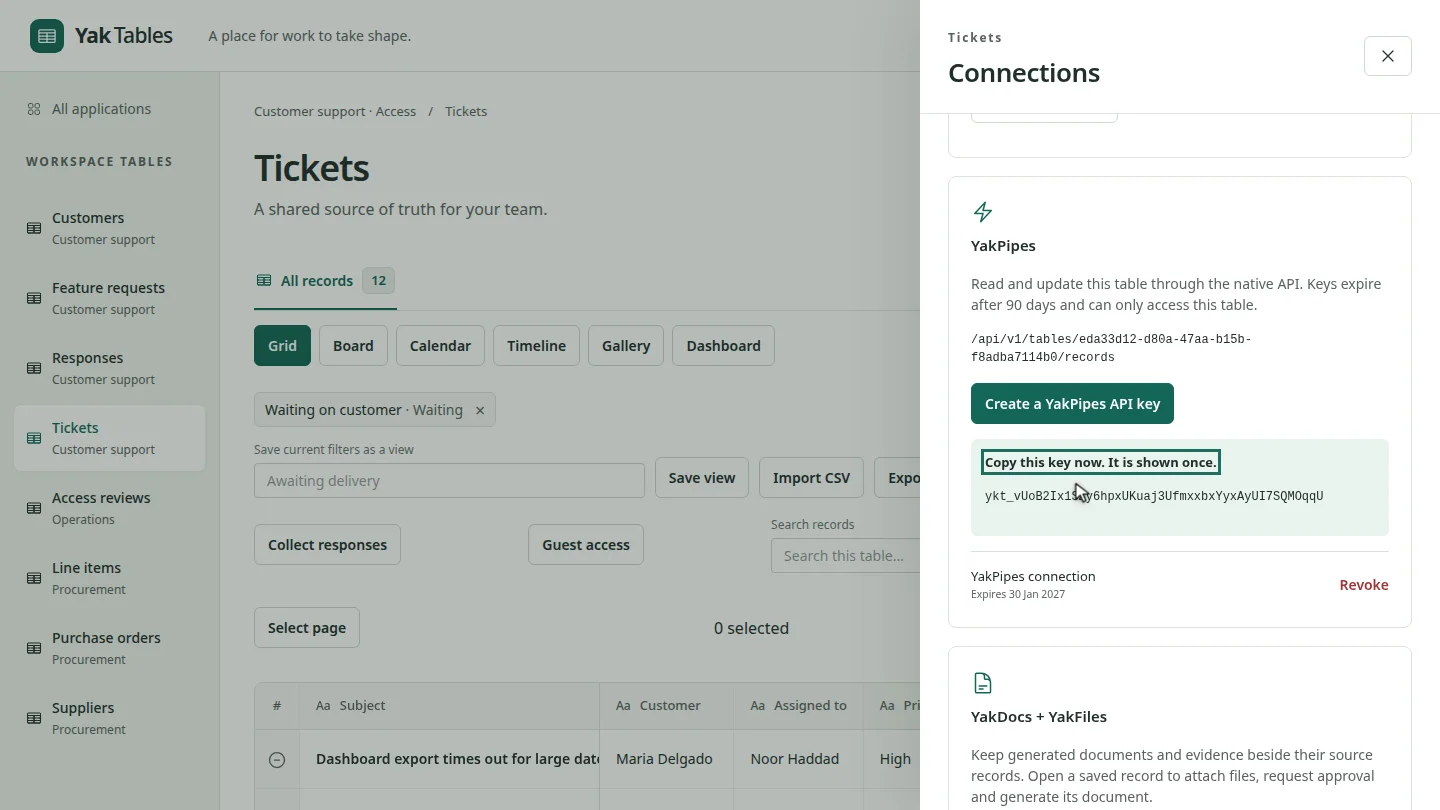
Select Create a YakPipes API key. Copy the key now. It's shown only once, and the list below shows when it expires.
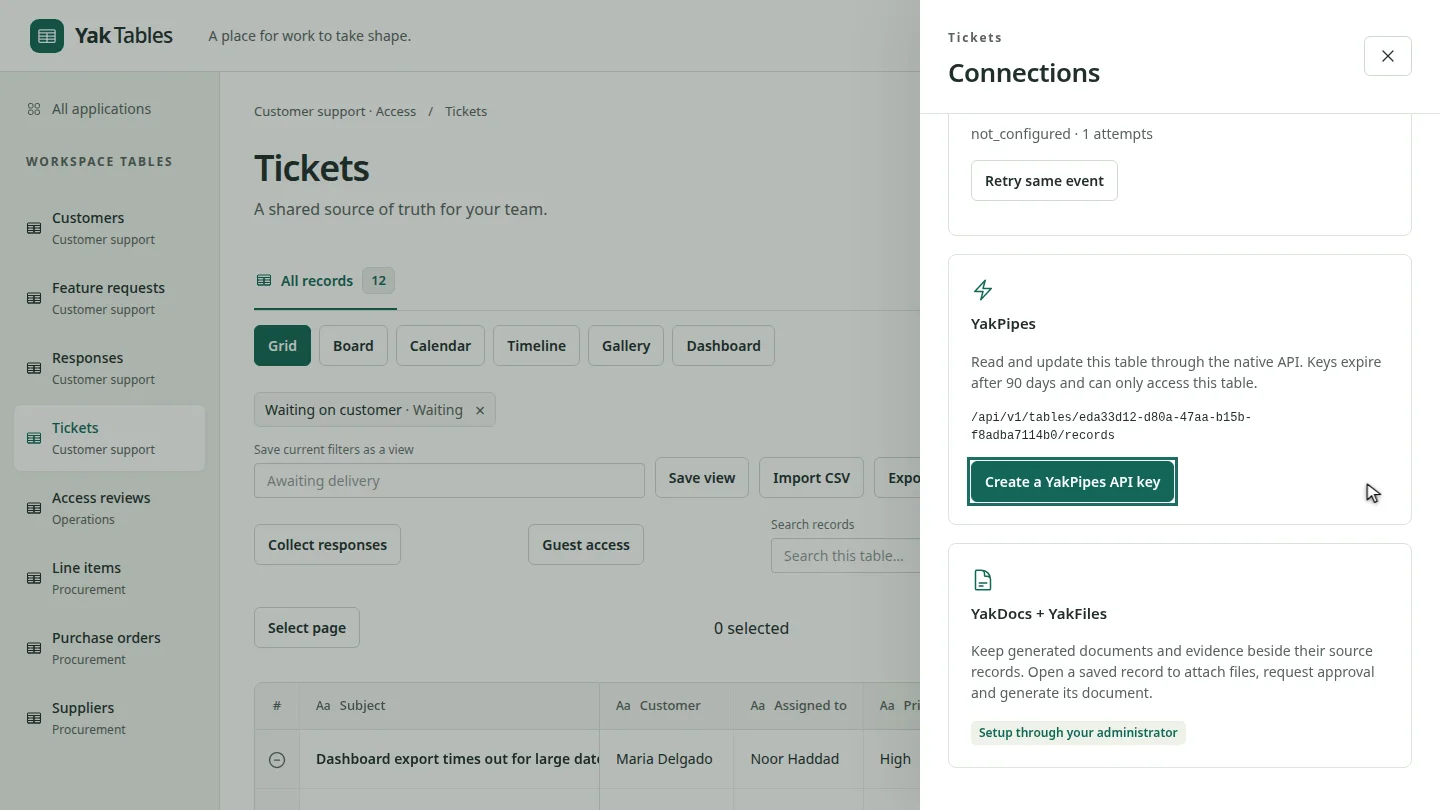
When a workflow no longer needs access, select Revoke and confirm. The key stops working straight away.
Steps
Open Connections ▶ 0:06
Open the table, then select Connections.
Create and copy the key ▶ 0:14
Select Create a YakPipes API key, then copy the key. It's shown only once.
Revoke a key you no longer need ▶ 0:23
To end access, select Revoke beside the key and confirm.
Next steps
Updated 2026-10-26
api key token integration rest api yakpipes