How to find your assigned work in YakTables
Assignments, review requests and mentions are spread across many tables. My work gathers everything waiting for you in one list, so nothing sits unnoticed in a table you rarely open.
Before you start
- A YakTables account
Transcript
See everything waiting for you across every table, in one place.
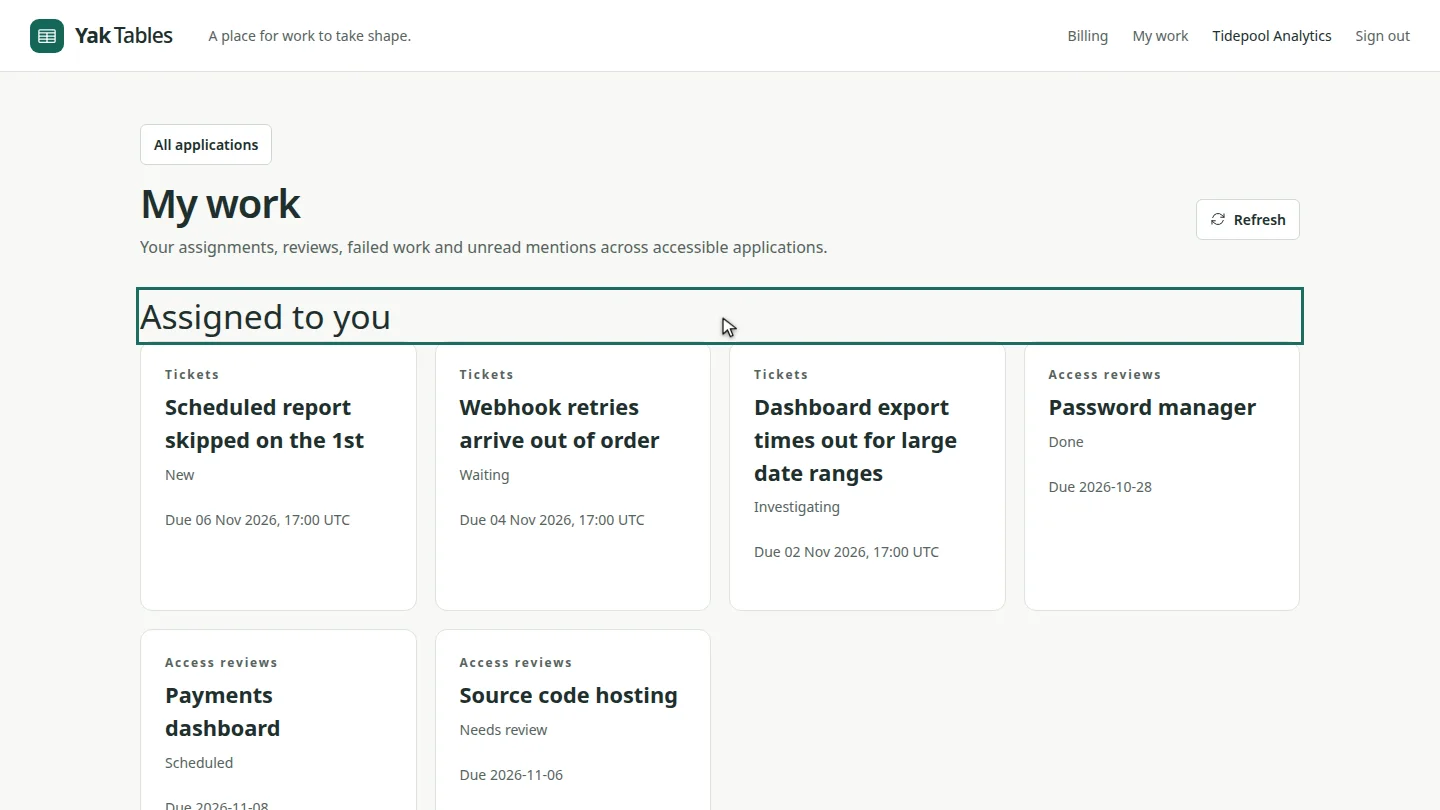
Select My work in the top bar. Assigned to you lists every record where you're named in a people field, such as Assigned to or Reviewer, with its table, status and due date.
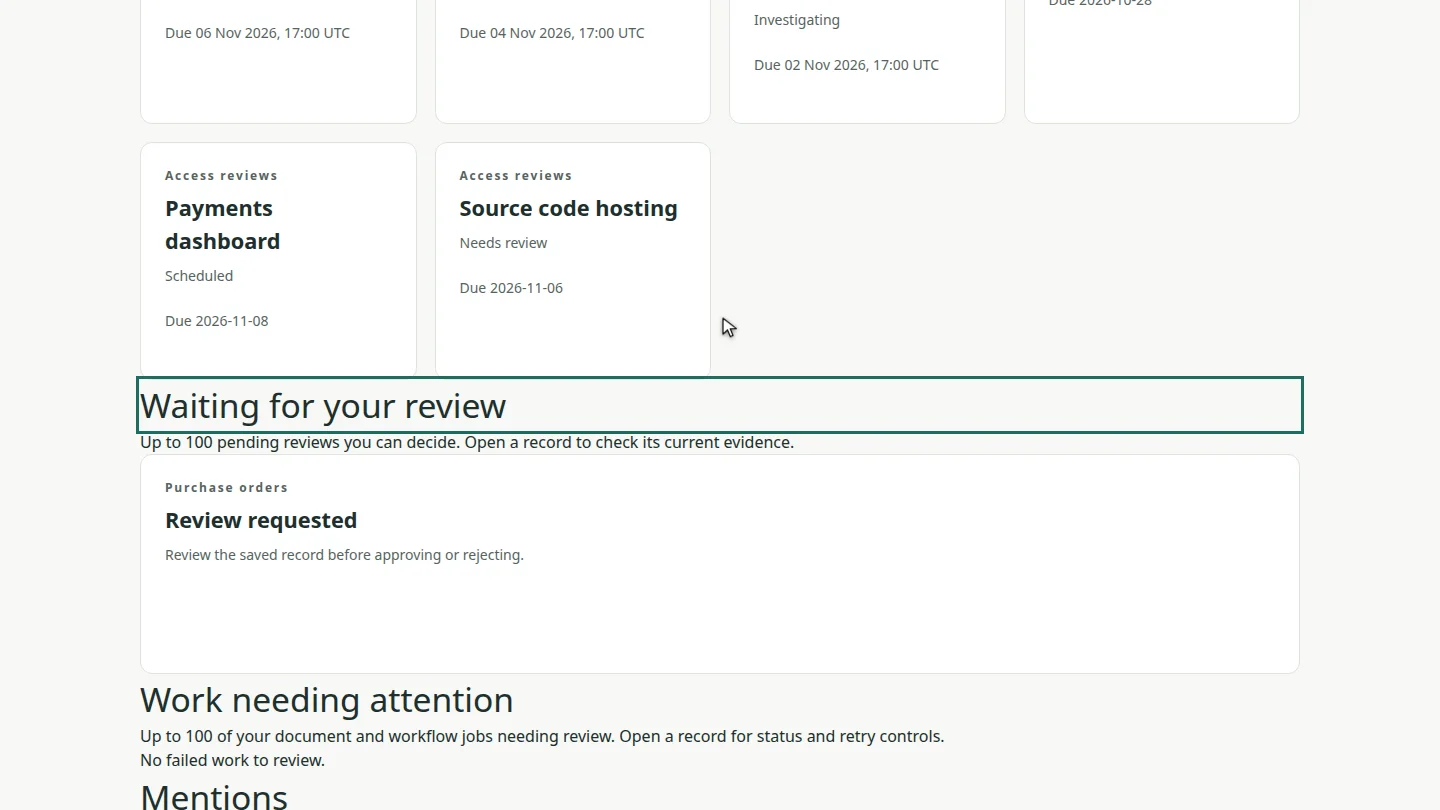
Further down, Waiting for your review shows the review requests you're allowed to decide. Select one to open the record and its approval panel.
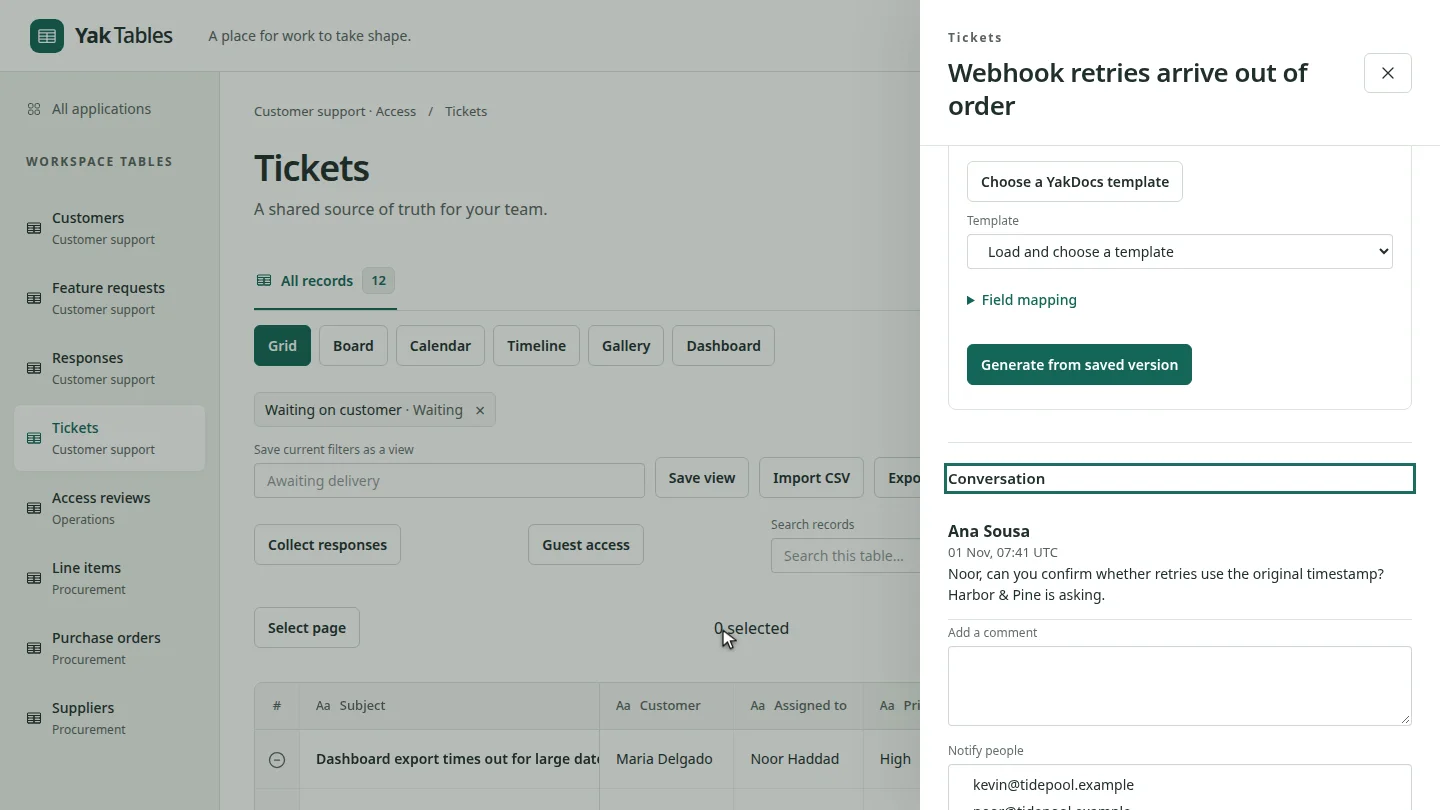
Under Mentions, select Open record to jump straight to the conversation where a colleague mentioned you.
Steps
Check your assignments ▶ 0:05
Select My work. Assigned to you lists your records with their status and due date.
Check pending reviews ▶ 0:17
Under Waiting for your review, find the requests you can decide.
Answer a mention ▶ 0:27
Under Mentions, select Open record.
Next steps
Updated 2026-10-26
my tasks inbox assigned to me mentions notifications