How to see records on a calendar in YakTables
When work has a due date, a month view shows what is coming up and where deadlines bunch together. The calendar uses the same records and filters as the grid, so nothing has to be copied.
Before you start
- View access to the table
- A date or date-time field on the table, such as Response due
Transcript
See the month's deadlines at a glance. The calendar uses the same records and filters as the grid, so there is nothing to copy or keep in sync.
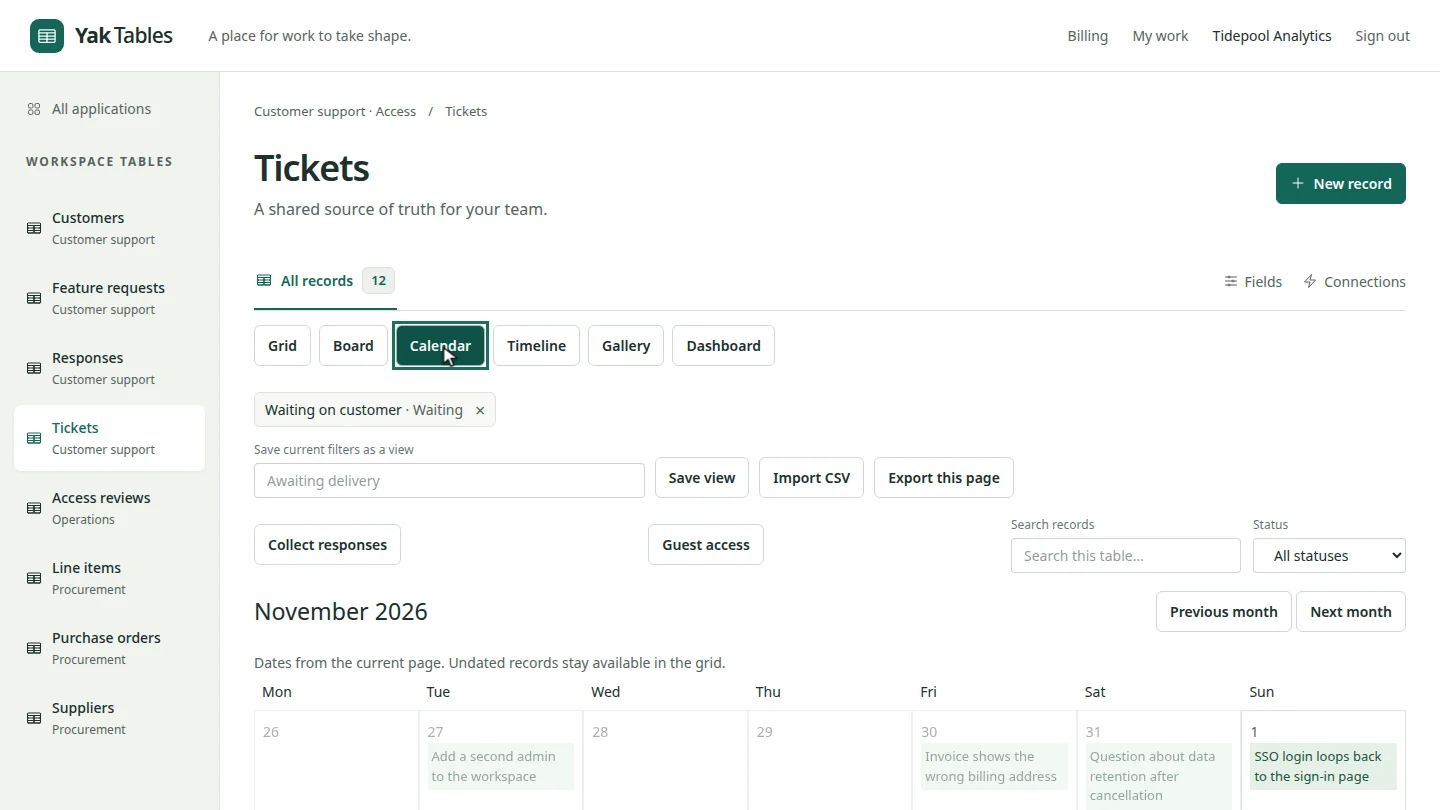
Open the table and select Calendar. Each record appears on the day it is due.
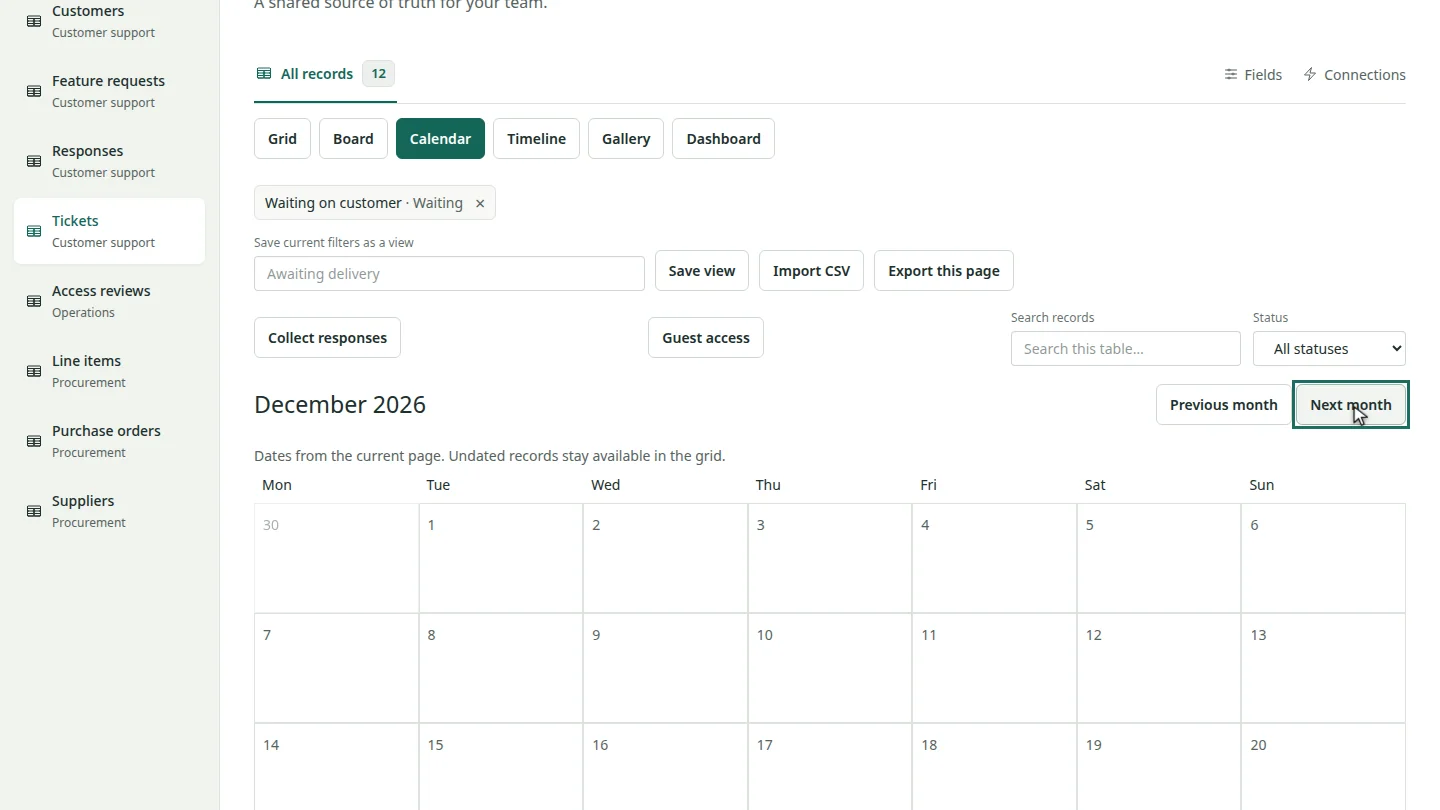
Select Next month or Previous month to move through the calendar.
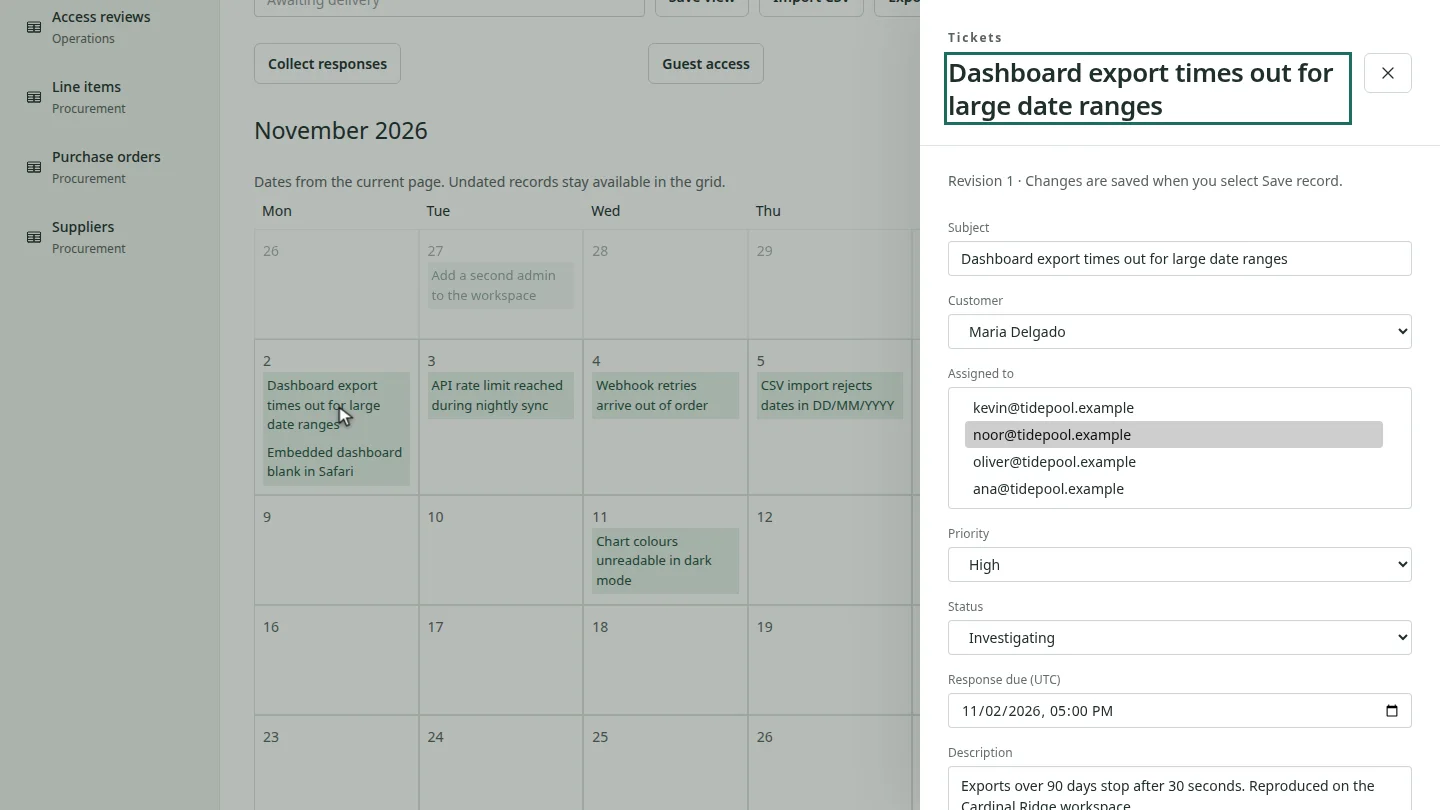
Select a record on the calendar to open it in the record drawer, where you can edit it. Records without a date stay in the grid.
Steps
Switch to the calendar ▶ 0:11
Open the table, then select Calendar in the row of views above the records.
Move between months ▶ 0:17
Select Next month or Previous month.
Open a record ▶ 0:22
Select a record on the calendar to open it. Filters you apply to the table also apply to the calendar.
Next steps
Updated 2026-10-31
calendar calendar view due dates month view timeline board view